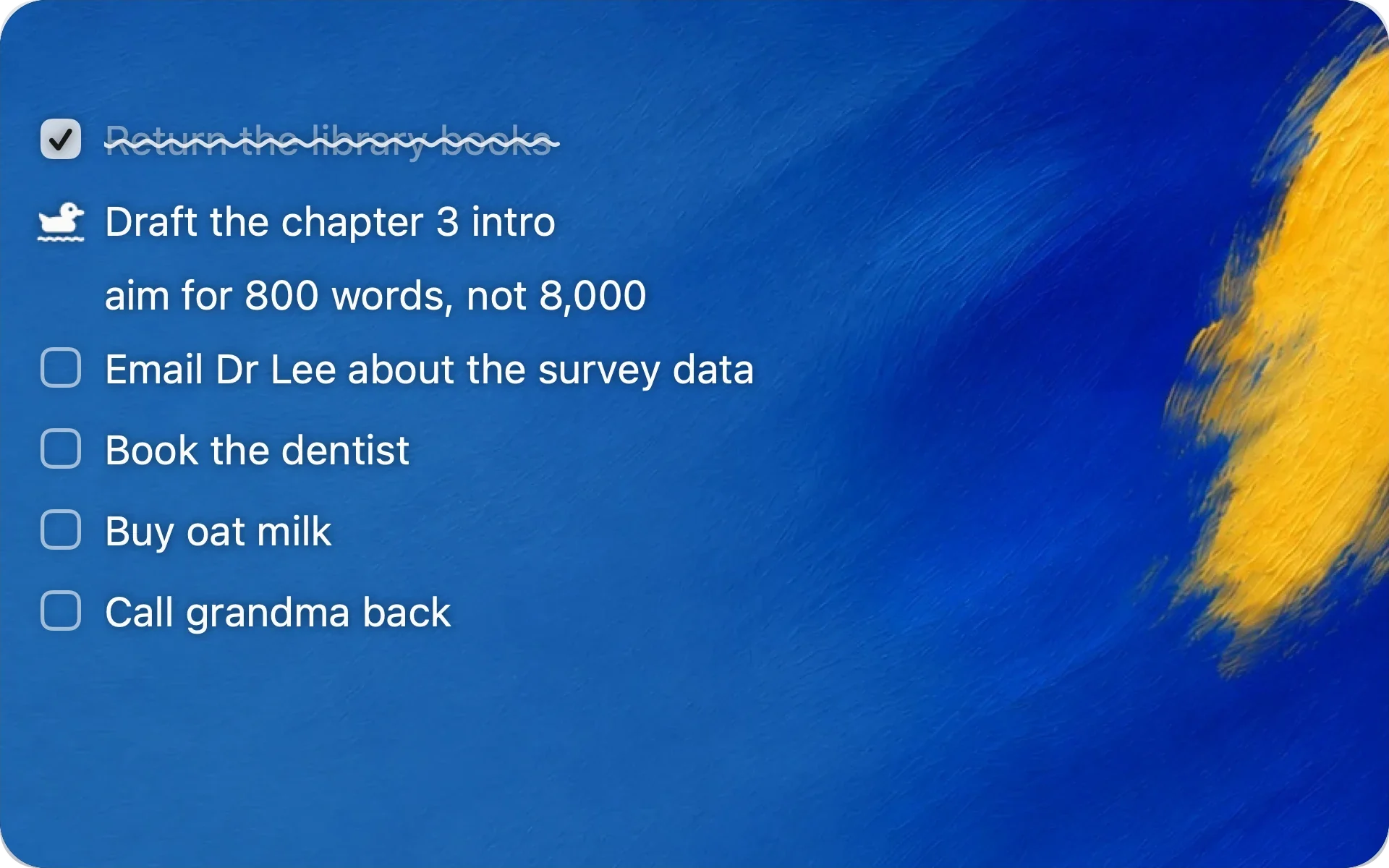
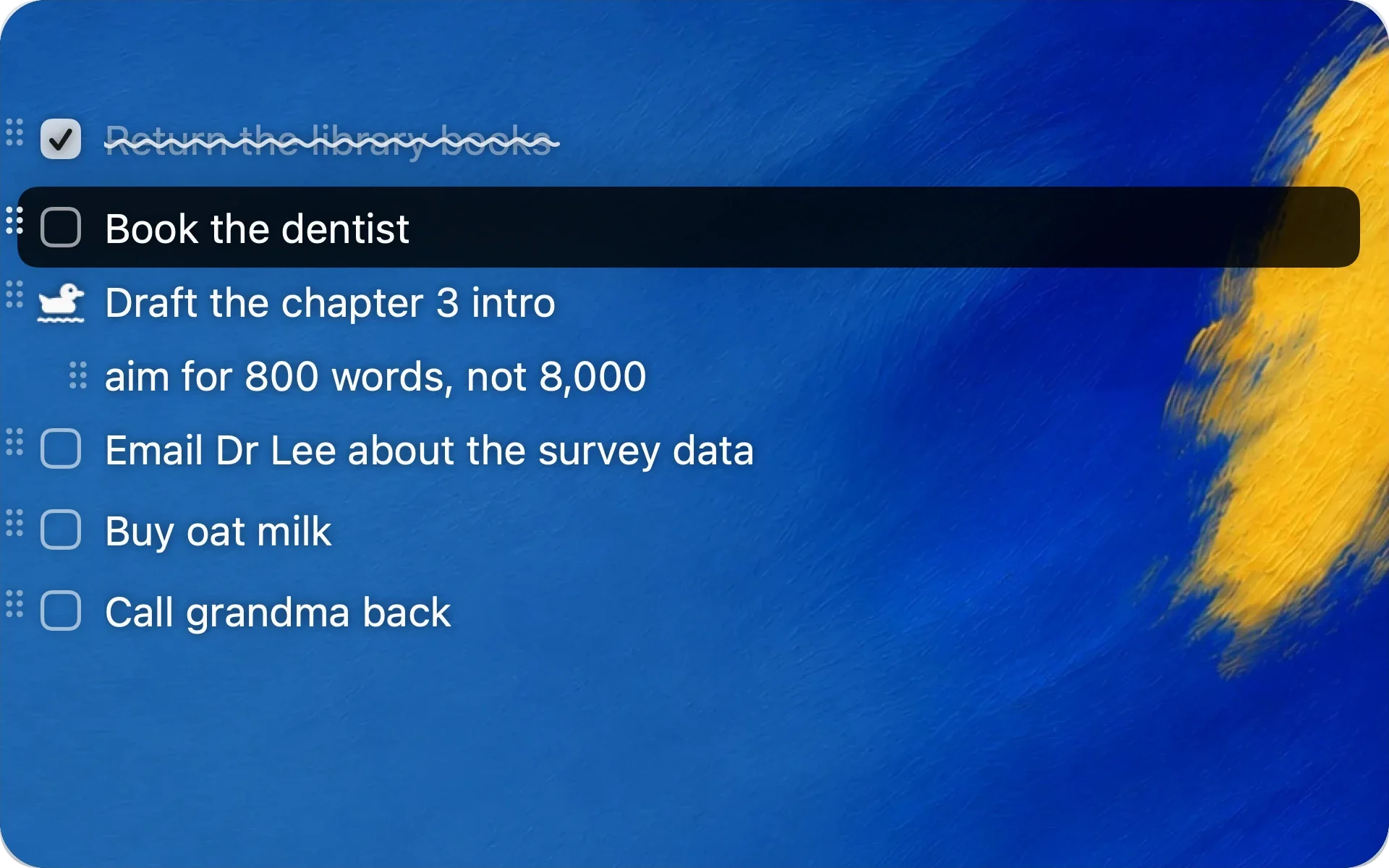
Stay Sticky keeps your notes above every desktop and every full-screen app, without taking your focus. Tick a task once and a rubber duck starts it. Tick it again and the duck swims it out.
They wait on the desktop you left them on, behind whatever you're doing. A note you have to go looking for is just a note. Stay Sticky's notes stay where you can see them: over your browser, your editor, your video call, your full-screen film. And they never take the keyboard from the app you're in, until you click into one.
One duck, eight ways across.
Click a box once. A rubber duck sits in it: started.
Click it again. The duck swims the task out. Its wake is the line through the words.
Changed your mind? Undo plays it backwards.
It glides, it dives, and rarer swims turn up in time.
Book the dentist
It's a small thing. It's also why you'll keep ticking.
Jot it down before it goes.
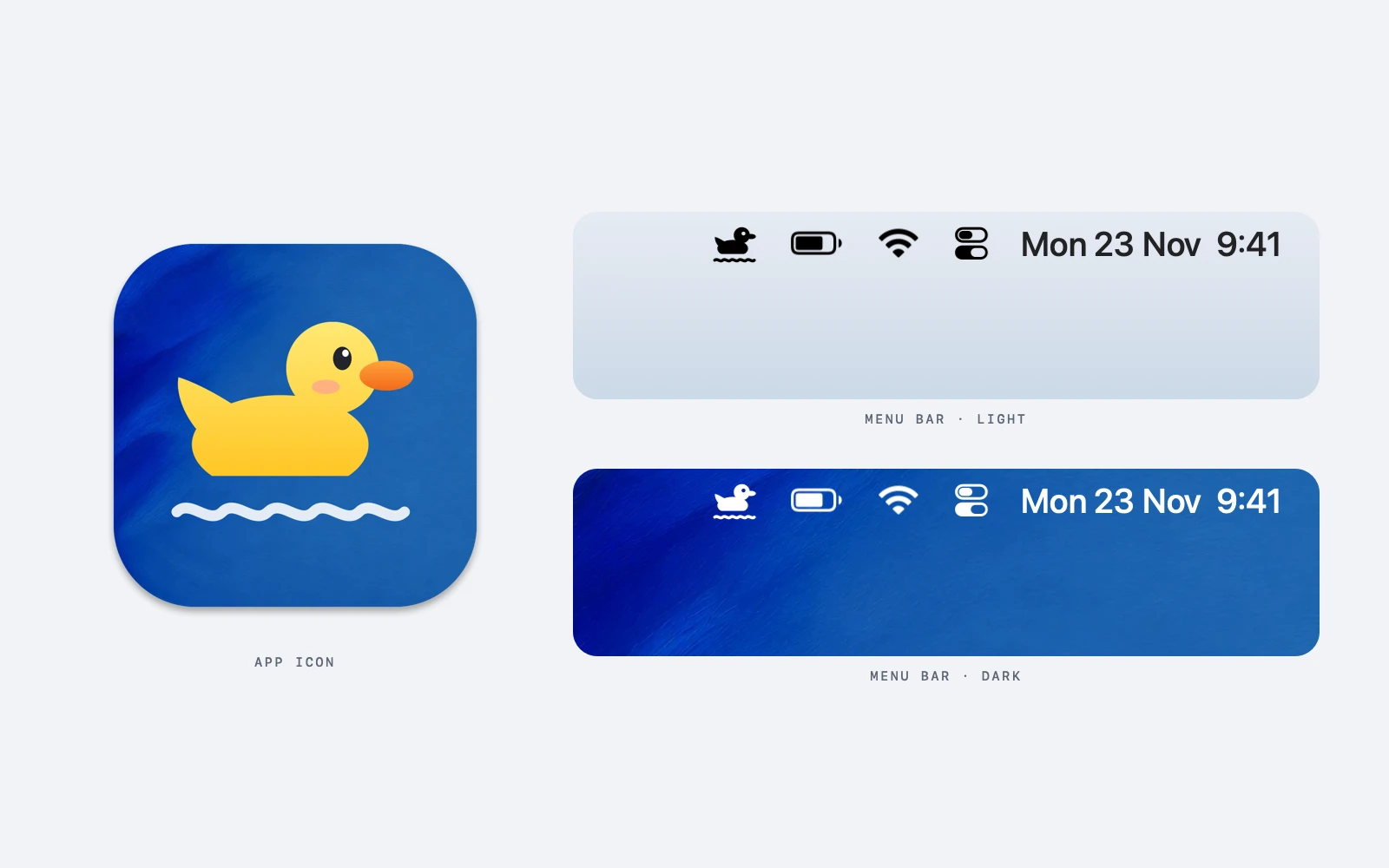
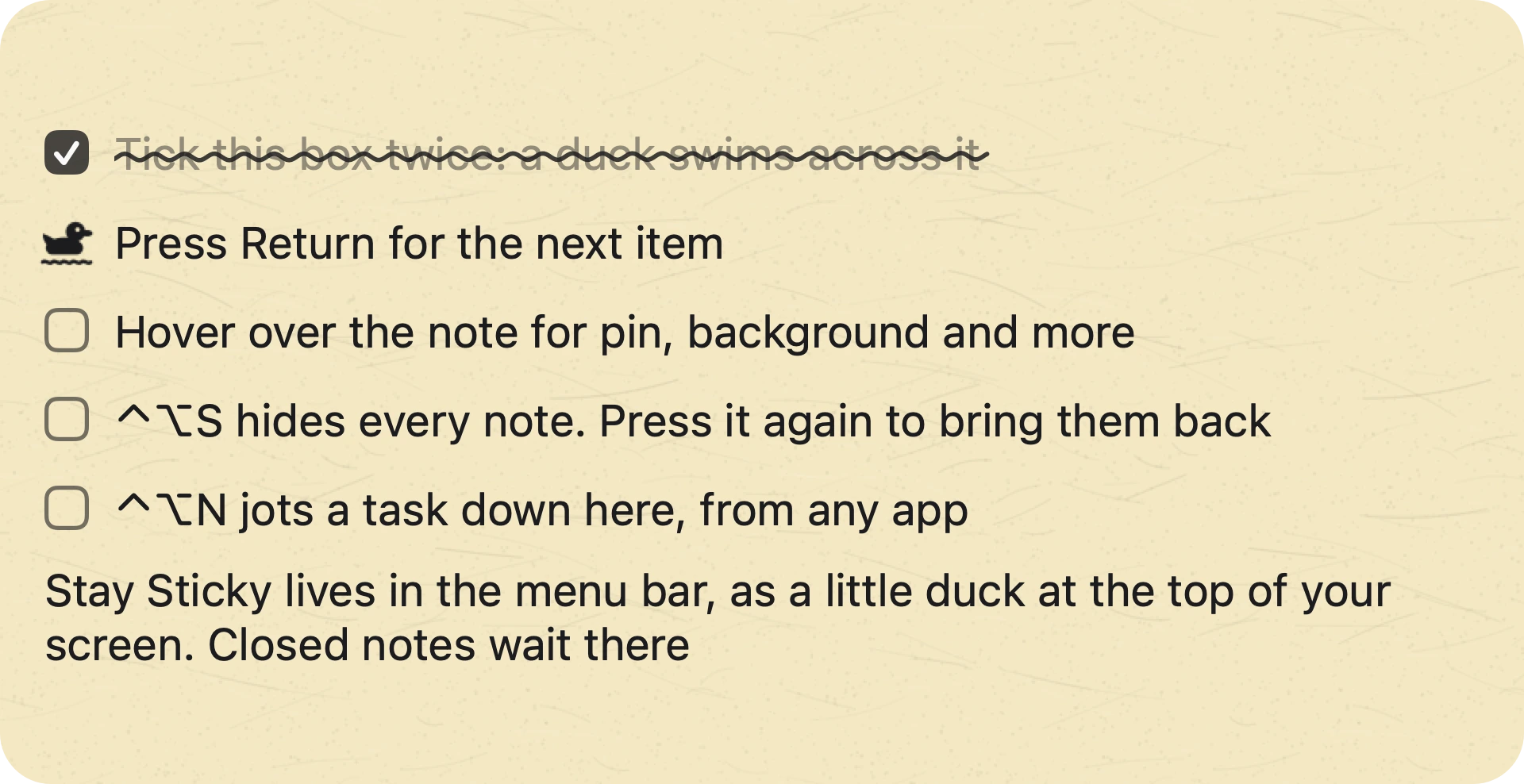
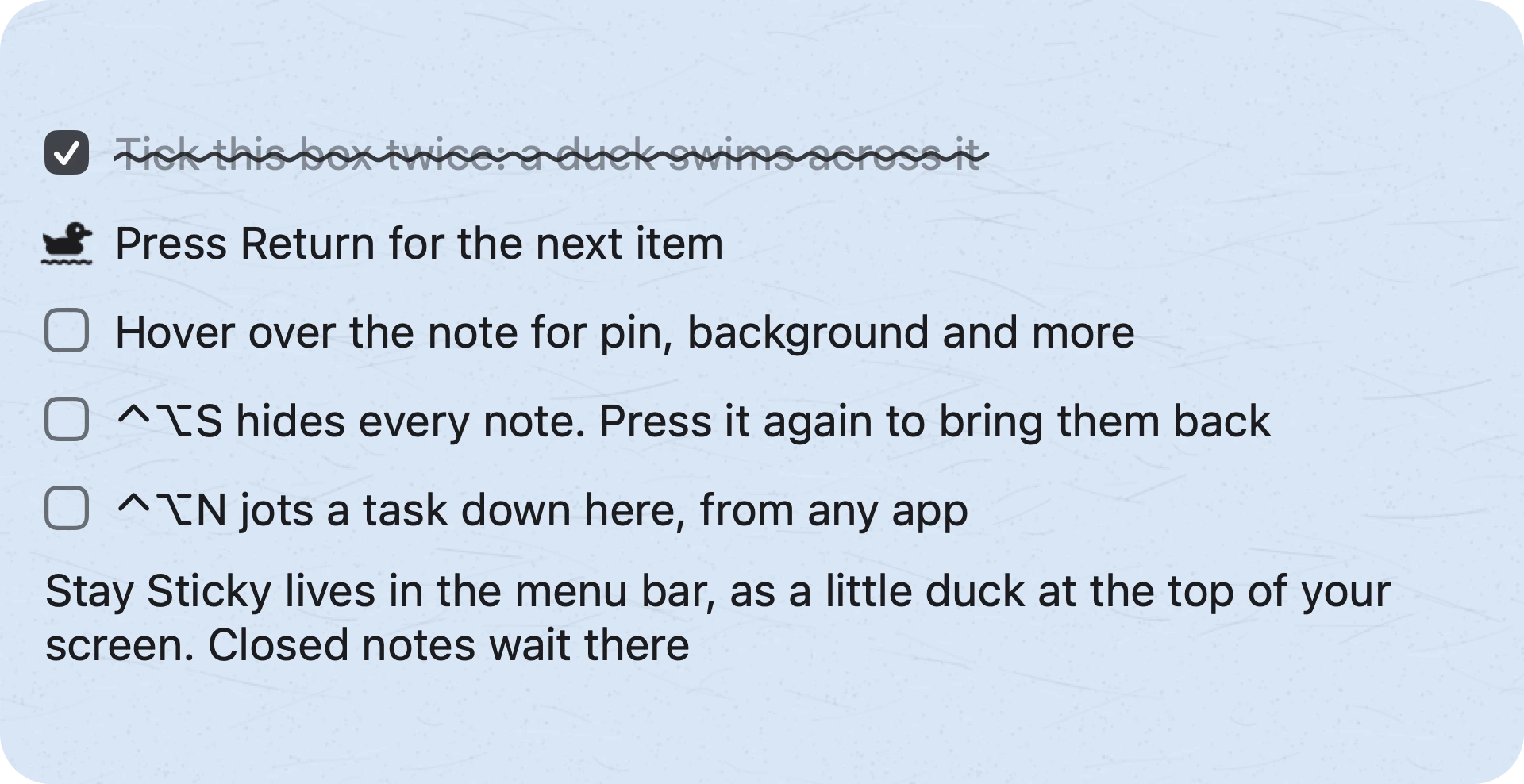
⌃⌥NControl-Option-N in any app puts a fresh line on the note you used last, ready to type. The app you were in stays exactly where it was. ⌃⌥SControl-Option-S hides every note, and brings them back.
For when someone is reading over your shoulder.
Any picture. Still readable.
The painting it comes with, washi paper, colour blocks, any colour, or a photo of your own. Stay Sticky finds what a photo is of, keeps it in view, and shades it only as much as your words need.
Not a shade more.
Lists that behave like lists.
A tab for each part of life. Subtasks with Tab. Drag a task by its grip and the rest make room, its notes coming with it. Let a finished task go and it sinks out of sight; Gone Under keeps it, in case you change your mind.
Bring your Stickies. Take your notes.
Import from Stickies brings every sticky over in one go, a tab each, and leaves Stickies as it was. Export as Markdown takes any note anywhere, whenever you like.
Your notes are yours. We'd just like them to be somewhere you can see them.
 Stay Sticky